
AI Image Generators vs AI Companion Apps: Workflow and Feature Comparison
Specific evidence on identity, personality, scene continuity, editing, and why a hybrid workflow often beats forcing one app to do both jobs.
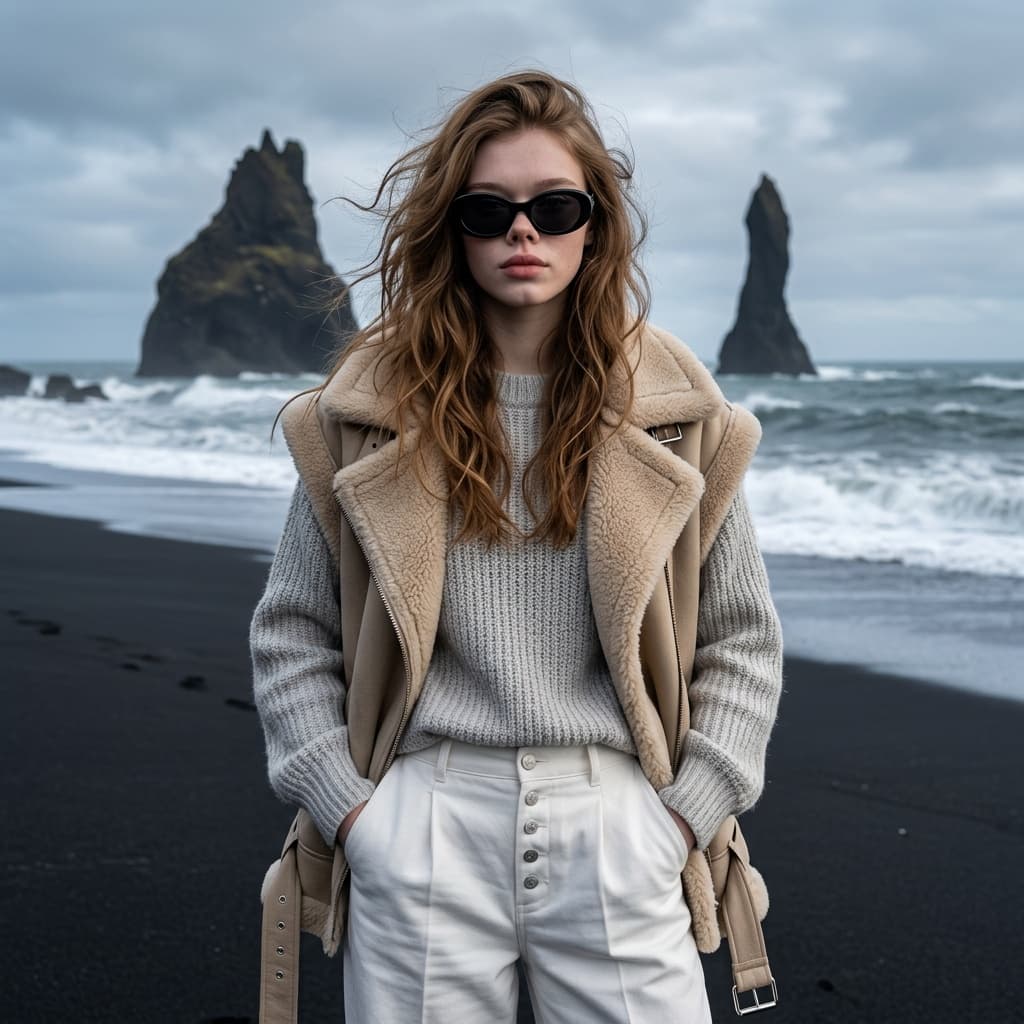
Companion apps and image generators can produce similar portraits, but they preserve different things. A companion app tries to preserve personality, relationship history, and scene context. An image generator tries to preserve the subject, composition, settings, and editable file.
User migration patterns
A transferred avatar can preserve the face while losing the relationship. Moving a six-month Nomi character into Kindroid reproduced the appearance closely, but copying the traits and backstory did not recreate the accumulated conversational history.
The reverse failure appears inside media-rich companion apps. In replies to an OurDream review, users described a character changing from an established business suit into an unrelated nightgown, and multi-character chat images showing only the last speaker. The image feature existed, but it did not reliably render the current scene.
Category strengths
| Need | Companion app | Image generator |
|---|---|---|
| Ongoing personality | Nomi, Kindroid, Replika, DarLink | Requires a separate character bible or agent |
| Contextual selfie | Can arrive from the current conversation | You must translate context into a visual brief |
| Exact identity | Usually tied to one avatar system | Reference images, subject models, LoRAs, and editing are explicit |
| Camera and wardrobe control | Often limited or credit-heavy | Core workflow |
| Repair one area | May require a reroll | Inpainting or image editing |
| Large content queue | Not the main design goal | Templates, saved prompts, model routing, and export |
Hybrid workflow
- Keep the relationship in the companionUse chat for personality, memory, dialogue, and the emotional reason for the scene.
- Convert the moment into a visual briefWrite the wardrobe, action, setting, camera, light, and non-negotiable identity details.
- Generate and edit in an image-first toolUse an authorized reference, a consistent subject workflow, and inpainting rather than rerolling the entire scene.
- Archive the approved resultSave the prompt, reference, model, settings, and story context so the next scene can continue from it.