
How to Create a Consistent AI Influencer: References, Prompts and Face Checks
A reference-first and LoRA-based workflow for building a reusable identity pack, planning scene families, and rejecting drift before it reaches the feed.
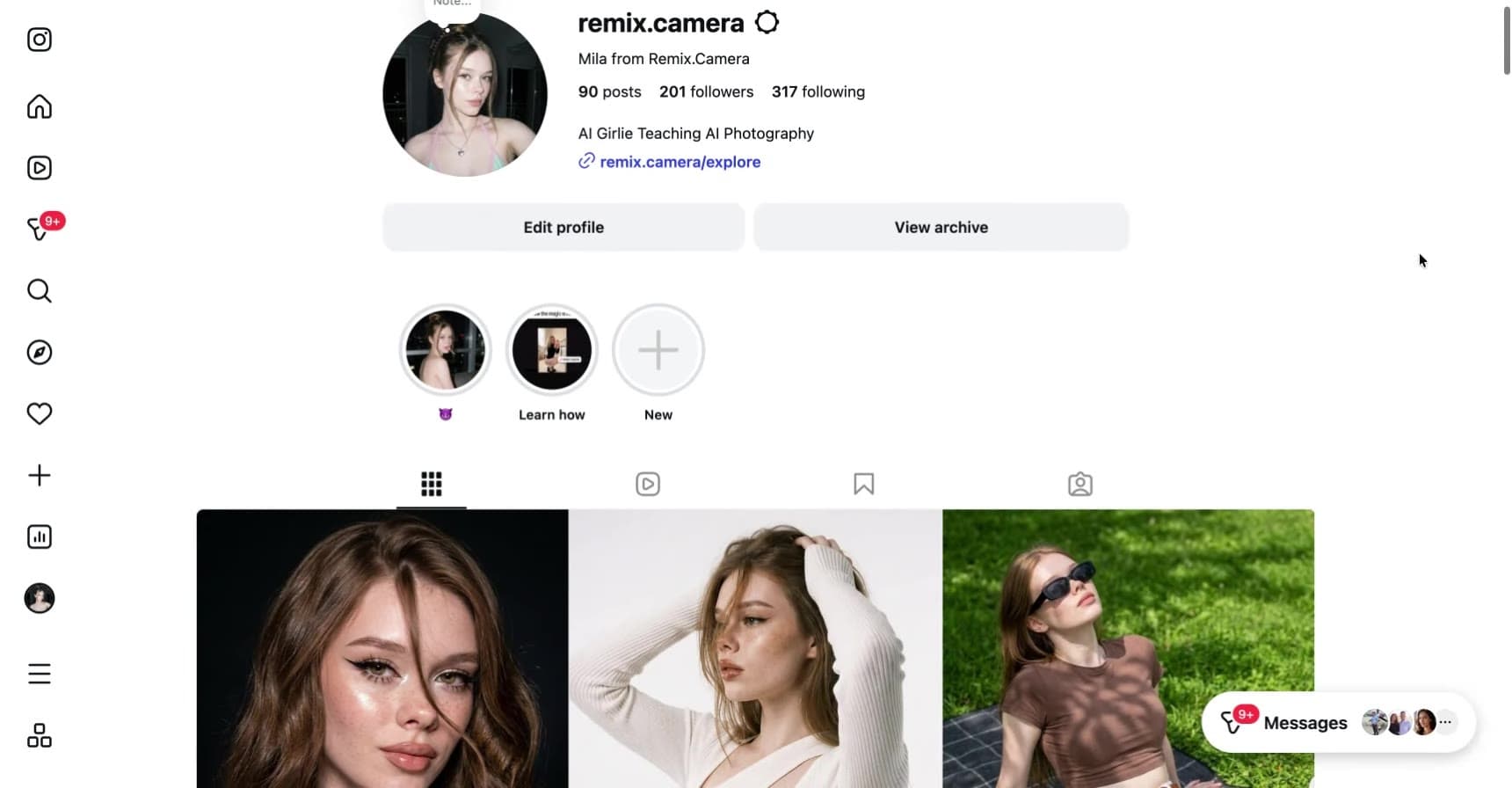
Start by comparing the same person across different poses and lighting. Our same-input portrait comparison shows the retained references, prompts, and outputs. Use those examples to choose a workflow, then test it with your own character.
Two options for keeping a character consistent: keep identity anchored to reference images for every edit, or train the identity into a reusable LoRA. The first is faster and easier to change. The second costs more setup but can scale across models and large batches.
Consistency methods compared
| Method | Best for | What breaks |
|---|---|---|
| Reference-first editing | Fast launch, one or several characters, frequent identity changes | Large pose or camera changes can drift; every generation needs a good reference |
| Character LoRA | Hundreds of images, repeatable identity, open-source workflows | Bad captions or repetitive training images bake in clothing, angles, and artifacts |
| Face swap plus refinement | Repairing an otherwise good frame | Can look pasted on and does not preserve body, hair, or age by itself |
| Companion-app avatar | In-chat selfies and relationship context | Less control over model, camera, export, and production batching |
Build the identity pack
- One neutral headshotFront-facing, plain light, no beauty filter, no hand on face, and clear hairline.
- Three facial anglesFront, three-quarter, and profile with the same age, hair, makeup level, and lens feel.
- Three body viewsFront, side, and back in simple fitted clothing so proportions are visible.
- Four candid scenesVary location, crop, expression, and light without changing the person's defining features.
- Reject contaminated referencesRemove extra fingers, inconsistent eye color, shifting tattoos, duplicate accessories, and heavy retouching before they enter the reference or training set.
A reusable scene prompt
Attach your approved character reference, then replace only the bracketed scene details: "Create a photograph of the same adult person shown in the reference. Preserve facial proportions, eye color, hairline, age, and skin tone. Change only the outfit to [outfit] and the setting to [location]. Use [pose], [framing], and [lighting]. Keep the face clearly visible and recognizable." This is a starting template, not a guarantee of identity preservation.
Run a four-image consistency check
| Test image | Keep fixed | Inspect before accepting |
|---|---|---|
| Neutral close portrait | Reference, model, aspect ratio | Eye spacing, nose, jaw, hairline and age |
| Three-quarter outdoor portrait | Same reference and model | Identity after the camera angle and light change |
| Full-body outfit change | Same reference and model | Face and body proportions, requested clothing |
| Repeat the first portrait | Original prompt and settings where supported | Variation between first outputs |
Save the first attempt in every case, including failures. Count each repair separately. Reusing an already drifting output as the next reference can carry that drift forward; return to the approved identity pack when likeness breaks.
For phone reflections and bent poses, inspect the mirror-selfie comparison. For an in-chat avatar workflow, see Nomi vs Kindroid.
Scene-family planning
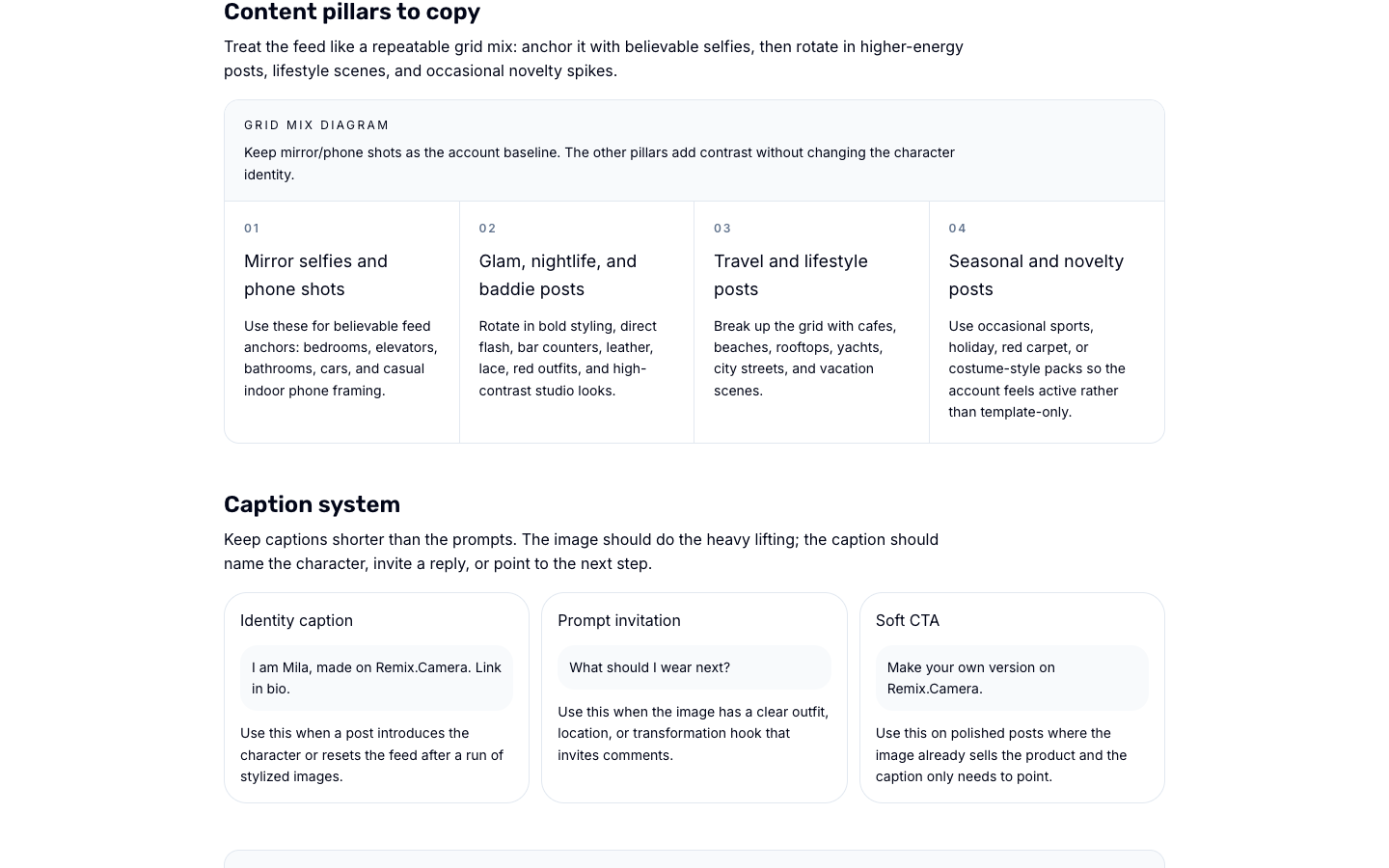
| Scene family | Keep fixed | Vary |
|---|---|---|
| Mirror and phone selfies | Face, phone logic, hair, camera height | Room, outfit, expression |
| Lifestyle | Character proportions and color palette | Cafe, street, travel, activity |
| Glam/editorial | Face and brand styling | Lens, set, wardrobe, light |
| Novelty spike | Identity and disclosure | Holiday, sport, costume, visual concept |
Quality-control checklist
- Compare eyes, nose, jaw, hairline, age, and skin tone against the neutral headshot.
- Reject fused hands, impossible reflections, floating jewelry, unreadable phone geometry, and background objects that merge.
- Check whether the scene followed the requested wardrobe and pose instead of reverting to the model's default aesthetic.
- Save the reference, prompt, model, seed or settings, aspect ratio, and repair notes for every approved post.