
Remix Camera Review (2026): Pricing, Pros & Cons
Remix Camera’s pricing and photo quality compared with Higgsfield, Photo AI, Krea, Midjourney, and Leonardo AI. Disclosure: AI Photo and Remix Camera share an operator.
Quick verdict: who is Remix Camera for?
Remix Camera is worth a free trial if your main job is putting the same person, fictional character, pet, or product into different photo scenes. Its useful combination is a reusable subject plus a library of visual prompt packs. That reduces the work of starting each image from a blank prompt.
The tradeoff is that the workflow still produces AI images. A recognizable face in one scene does not guarantee the same likeness in the next. Expect to inspect faces, hands, reflections, clothing, and background details. Choose a real photoshoot when documentary accuracy or a faithful record of an event matters.
What is Remix Camera?
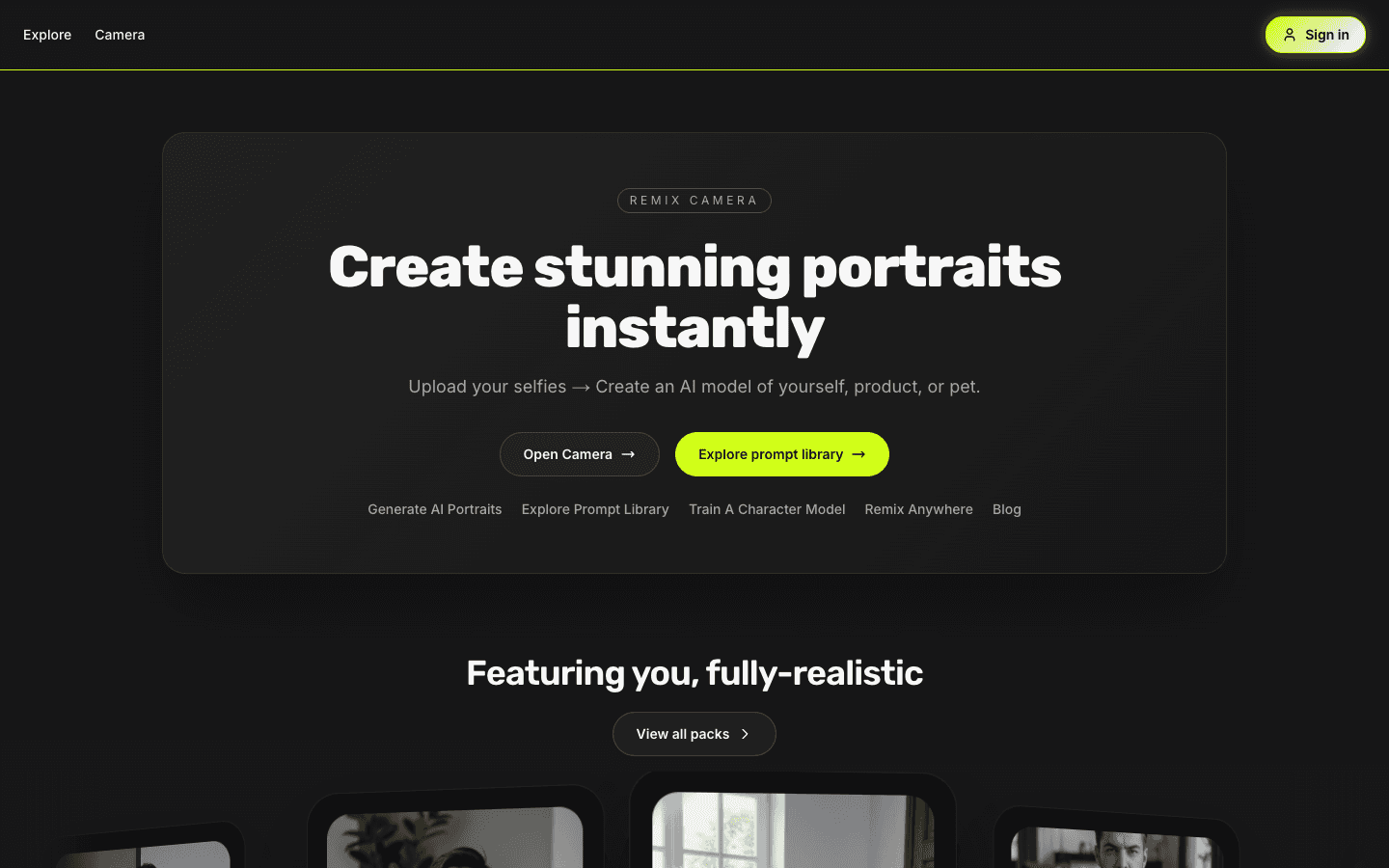
Remix Camera, also written Remix.Camera, is the browser-based AI photo product at remix.camera. This review concerns that exact product. Other apps called Remix, Google Photos Remix, and similarly named video tools are separate services.
The product supports reference-photo generation, trained characters, remixable prompt packs, image editing, and video workflows. Studio Mode is its character-focused photo workflow. Available models and generation controls can change, so judge the current Camera interface rather than an old list of model names.
Remix Camera pricing: free vs Studio
| Plan | Monthly price | Included allowance |
|---|---|---|
| Free | $0 | 5 image generations per month; no custom character training |
| Studio | $8.99 | 100 image generations and 1 character training per month |
These allowances reflect the product configuration reviewed on October 2, 2026. Studio is a recurring subscription that can be canceled. Add-ons, video, and some workflows may use separate credits; the current offer in Camera is authoritative. Do not interpret an image allowance as unlimited access to every model or video route.
For value, count finished images you would actually keep. If likeness or pose problems cause repeated attempts, the subscription price alone understates your usable-output cost. Try a representative scene with the free allowance before paying.
Remix Camera vs Higgsfield, Photo AI & more
Compare what you pay, what you get, and the controls that help keep a face consistent. Prices checked .
Starting monthly subscription
Entry paid plans, billed monthly. Before tax; annual discounts and temporary offers excluded.
- Remix Camera$8.99/moStudio
- Midjourney$10/moBasic
- Leonardo AI$12/moEssential
- Higgsfield$19/moStarter
- Photo AI$19/moStarter
- Krea$35/moPro
Included usage, photo quality, and likeness
| Platform / plan | Monthly price | Included usage | Photo quality & likeness |
|---|---|---|---|
| Remix Camera Studio | $8.99 5 free image generations/month before subscribing. | 100 image generations + 1 character training/month Video and some workflows can require separate credits. | Repeatable character photos References, trained characters, and reusable photo packs. Published examples show the workflow; face, pose, and anatomy still need checking. No measured platform-wide likeness or usable-output rate. |
| Midjourney Basic | $10 Standard is $30/month; private Stealth Mode starts at $60/month. | 3.3 hours of Fast GPU time/month GPU time is not a fixed image count; model and settings change usage. | Style and reference control Style references and reference-image workflows help direct the look. V7 Omni Reference can carry a subject into new scenes, but small identity details may differ. Omni Reference is V7-specific and uses twice the GPU time of regular V7 images; V8 uses Edit Model references. |
| Leonardo AI Essential | $12 Free tier: 150 tokens/day, with public creations. | 8,500 Fast Tokens/month Token cost varies by model and settings; not 8,500 images. | References and model customization Essential includes enhanced quality settings, up to 6 image references, and 10 personal model trainings/month. Useful controls for testing a subject or visual style. Enhanced quality is a plan feature label, not a measured advantage over these competitors. |
| Higgsfield Starter | $19 Plus is $59/month for broader model and feature access. | 270 credits/month Its pricing page equates this to 135 Nano Banana Pro generations; other models cost differently. | Image-to-video and reusable identities Soul ID trains a reusable identity for Soul models and connected tools. Higgsfield documents drift with unusual angles or strong style changes. Starter has selected models and features; check access to the identity workflow you want. Temporary unlimited offers are excluded here. |
| Photo AI Starter | $19 Pro: $49/month. Max: $99/month. Quality and likeness labels change by tier. | 50 AI credits/month Pro includes 1,000 credits; Max includes 3,000. Credits are not an image count. | Personal portraits with paid quality tiers Photo AI labels Starter low quality/likeness, Pro medium, and Max high. These are the vendor’s claims, not our test results. Its workflow uses a trained personal model. Compare the $49 or $99 tier too if likeness is your priority. Starter is listed for personal use only; Pro adds commercial usage. |
| Krea Pro | $35 Free tier: 100 compute units/day. Live pricing currently starts paid plans at Pro. | 20,000 compute units/month The pricing page estimates 257 Nano Banana 2 generations; usage varies by model. | Model choice, LoRA training, and editing Pro offers multiple image models, LoRA training with up to 50 input images, and image upscaling. The selected model and training set affect realism and consistency. Upscaling increases resolution; it does not establish better likeness or fewer artifacts. |
For a practical quality test, use one subject and several scenes, then count the images you would keep. Cost per usable image = total spend ÷ usable images. A cheap plan with many retries can cost more for a finished photo.
Photo AI here means photoai.com, the paid generator. AI Photo at aiphoto.ai is the review site and shares an operator with Remix Camera.
How the character and prompt-pack workflow works
- Choose your subjectUse suitable reference photos or create a trained character. Use your own photos or images you are authorized to use.
- Choose a photo ideaBrowse a prompt pack and inspect the example before generating. A reference closer to the desired framing is a more useful starting point than an unrelated scene.
- Generate and inspectCheck the face, anatomy, pose, and scene details. Keep the images that meet your brief rather than assuming the first result is ready to use.
- Reuse the subjectTry another scene with the same character. Change one important variable at a time when evaluating consistency.
For the setup details and published training examples, see Remix Camera’s character training guide and prompt-pack library. Training quality depends on the supplied photos, and some routes use references rather than a trained model.
What do the results look like?
Look at output evidence for the task you need. A pack hero shows a selected example; it is not a measured success rate. A model comparison is useful only within its recorded inputs, prompts, settings, and sample. Neither tells you how every personal photo will perform.
AI Photo’s mirror-selfie benchmark lets you inspect retained outputs and blocks. The moderation benchmark shows why the available route matters. These are published model tests, not a new score for Remix Camera as a whole.
For your own review, use one consistent subject and a few scenes you really want: a close portrait, a wider lifestyle image, and a difficult pose or outfit. Compare the number of usable results with the total attempts. We are not claiming an accuracy percentage, perfect identity retention, or a customer satisfaction rating here.
Remix Camera pros and cons
| Strength | Corresponding limitation |
|---|---|
| Reusable references and trained characters | Identity can still drift across poses, styles, and models |
| Prompt packs with visible examples | A selected example is not a guarantee of your result |
| Several workflows in one browser product | Model availability, moderation, and credit requirements vary |
| Free allowance before a subscription | The free sample is small; video and add-ons can cost extra |
Privacy, legitimacy, and cancellation
Remix Camera is an operating product with published terms, a privacy policy, and support. That is not a guarantee that every output or support experience will meet your expectations. Review the current billing and cancellation terms before subscribing.
Uploads and generated images are private by default, while publishing content is a separate choice. Generation providers process the inputs needed for your request. Read the policy for storage, retention, and deletion details; do not assume private means local-only processing. Canceling a subscription and deleting your account are different actions.
Remix Camera alternatives
| Your priority | Workflow to compare |
|---|---|
| Reusable subject with ready-made photo scenes | Remix Camera’s reference and prompt-pack workflow |
| Conversational, one-off image editing | A general image assistant such as ChatGPT or Gemini |
| Template-led motion from a still image | Playbox AI or the video tools available in Camera |
| Local control over models and processing | ComfyUI, if you can manage the setup and hardware |
Compare the actual feature you need rather than a single global winner. Our Playbox AI review covers a different, motion-focused workflow; the tool directory links to other options and their evidence.
Remix Camera review FAQ
Is Remix Camera free?
The free plan includes 5 image generations per month. Studio is listed at $8.99 per month with 100 image generations and 1 character training. These figures were reviewed on October 2, 2026; check the current Camera offer for add-ons and route-specific costs.
Is Remix Camera the same as the Remix AI app?
This review covers the product at remix.camera, also styled Remix.Camera. Other products using the name Remix are separate services.
Does Remix Camera always preserve my face?
No. Input quality, training, pose, lighting, and the selected image route affect likeness. Review each result before using it.
Is this an independent Remix Camera review?
No. AI Photo and Remix Camera share an operator. The article discloses that relationship and separates product information from published model-test evidence. It does not represent an independent customer survey.
Where can I find the official Remix Camera review guide?
Remix Camera publishes its first-party pricing, example, and limitations guide at remix.camera/reviews.